Swapping Tiles
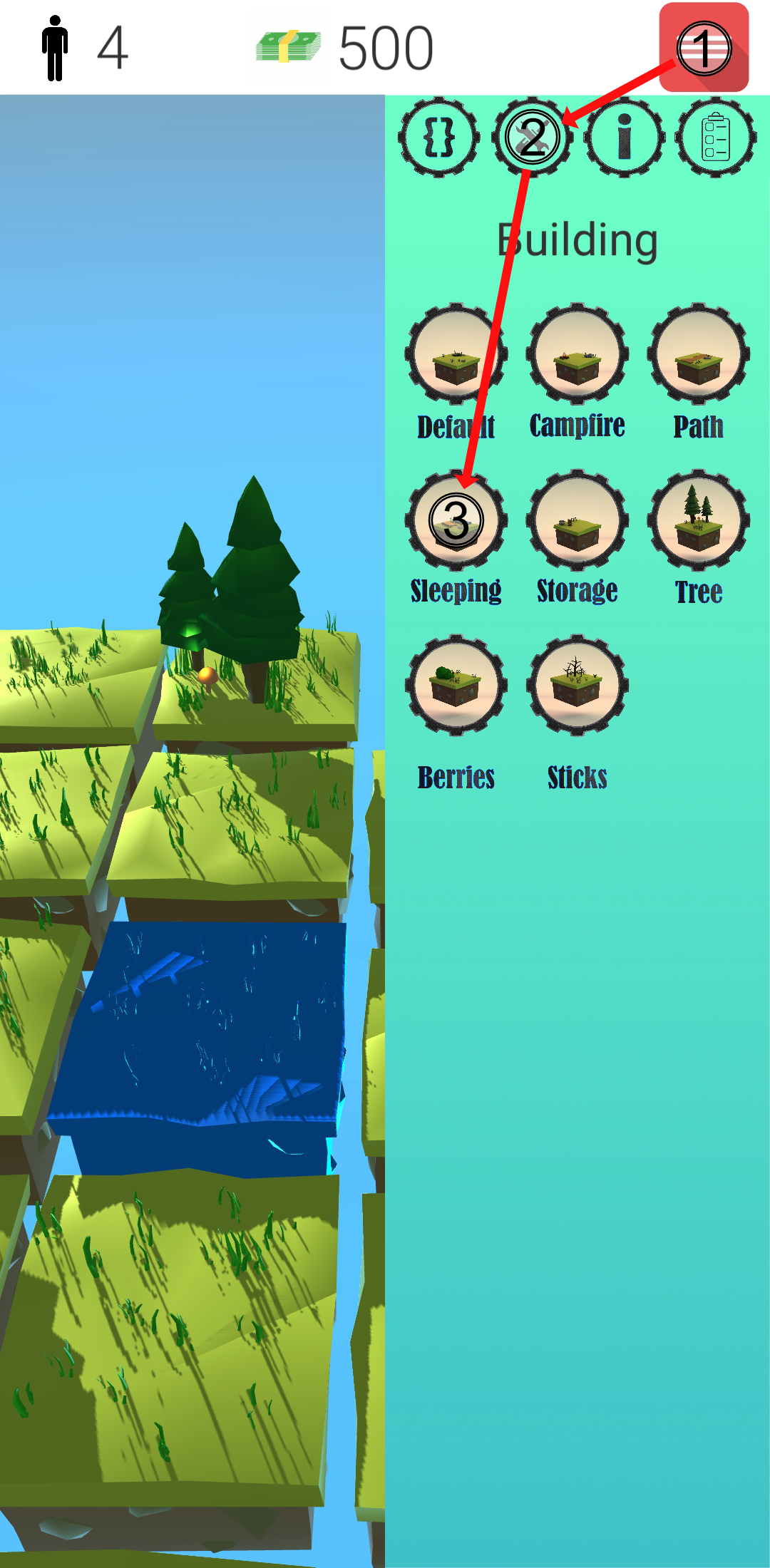
Through the fact that tile territory has many different tile types, there must be a way to change them. And there is one called swapping. To swap a tile, select the tile[s] you want to swap and go the sidemenu in the building tab. Now simply select the new type you want your tile[s] being swapped into. A swapping animation starts playing, indicating the swapping process.
| Before | After |
|---|---|
 |
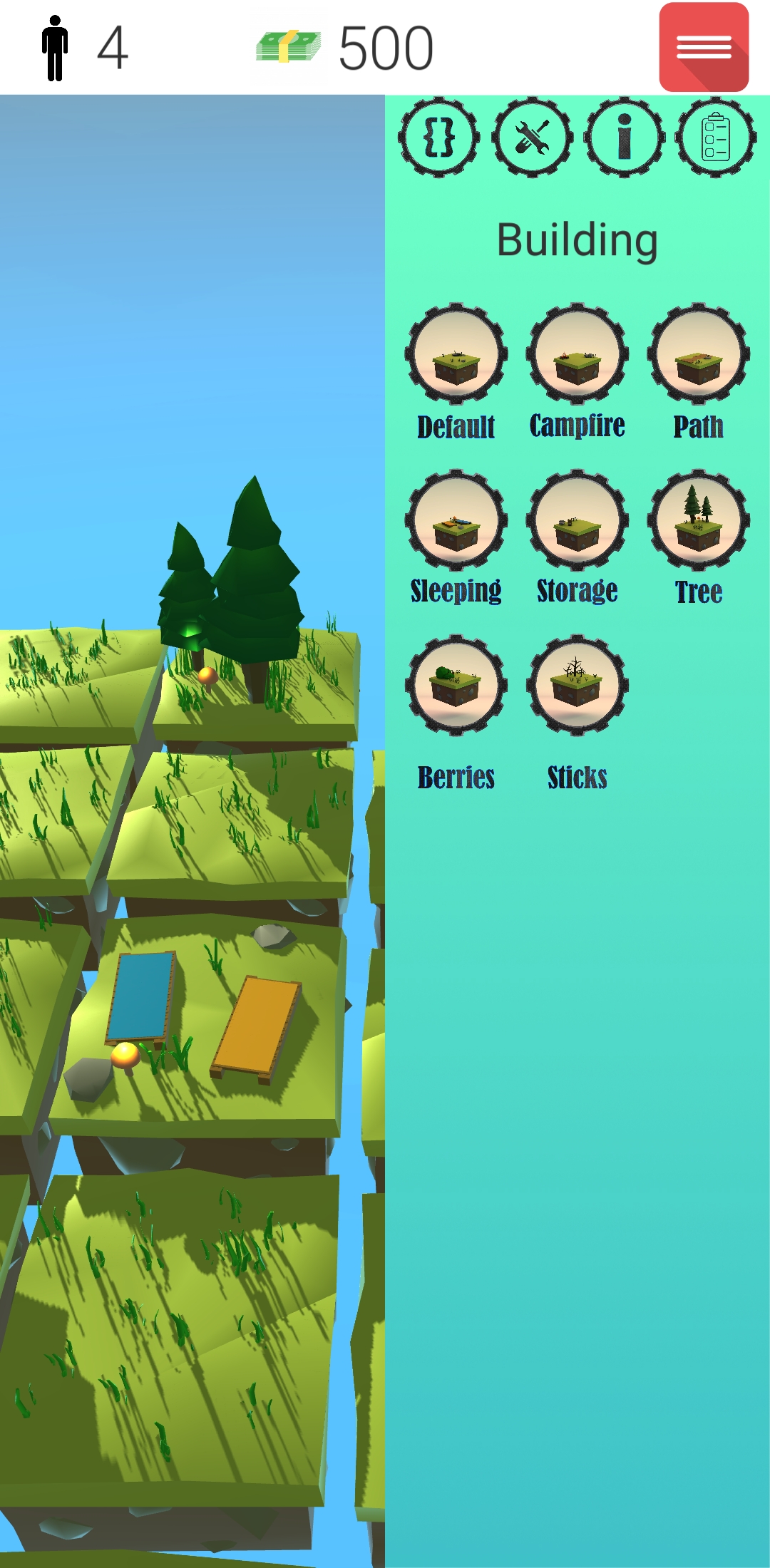 |
The pictures above visualize the process of swapping a default tile into a sleeping tile.
Please note that the example just shows the procedure of swapping one tile at a time. If you select more tiles at the beginning, each tile will be swapped to the one type you've chosen.
But there are a few limitations whether the tile can be swapped or not.
- The selected tile type must be different, to the one you want to swap it into
- There must be no person currently working on the tile
- The tile must be a non water tile
- The tile must be not already swapping at the time you're trying to swap it
If just one of let's say four tiles throws these requirements, every tile will be swapped except the one wrong tile.